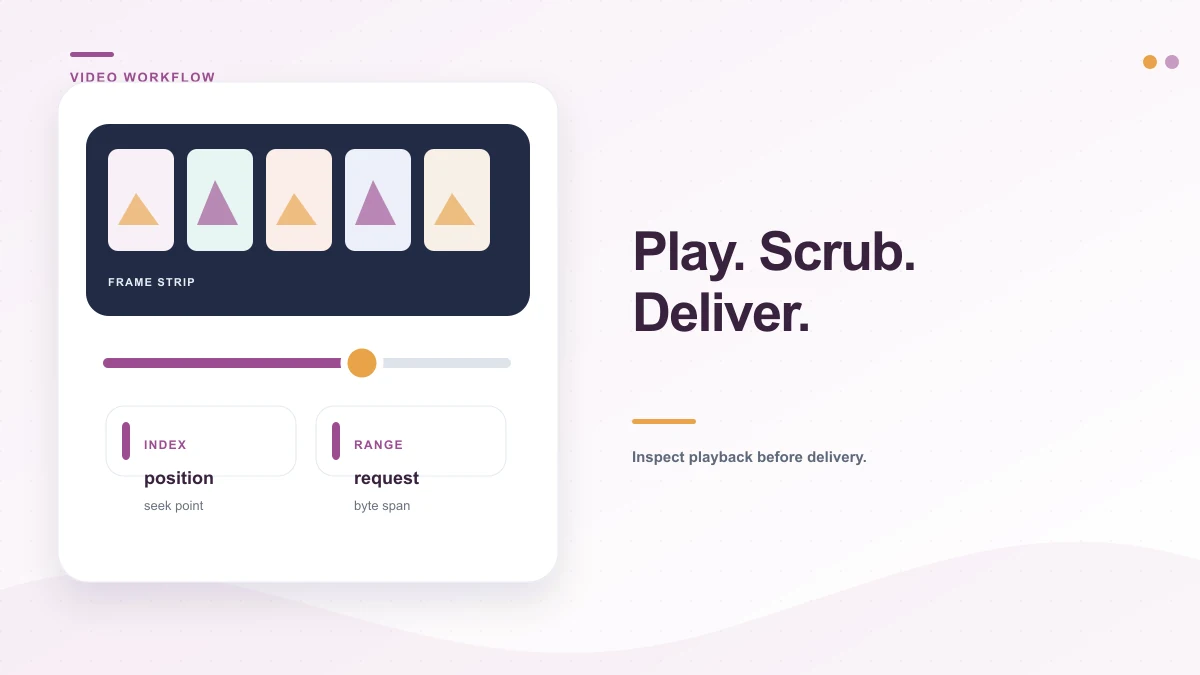
Direct video links support native byte-range requests for smooth seeking and instant scrubbing without buffering entire files.
Checking streaming infrastructure availability…
Video to Link Architecture
Stream video smoothly with direct MP4 and WebM URLs.
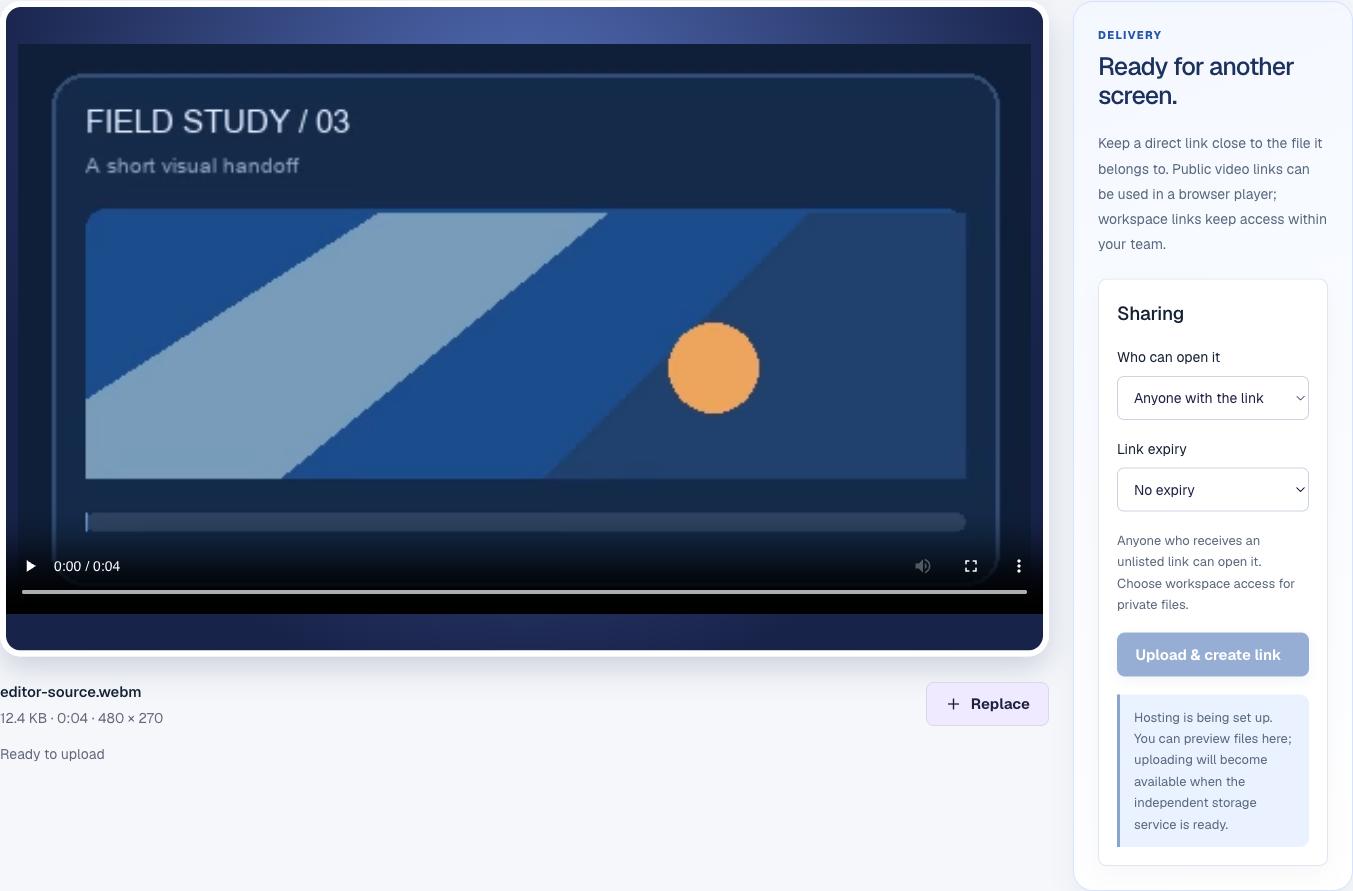
A local preview answers one narrow but valuable question: can this browser decode the file you selected? The player uses that original file, and the details underneath it come from the file itself. This check can catch a broken export before you send the link, but it cannot predict every recipient’s browser, device, bandwidth or player configuration.
Actual sample video selected in the widescreen player with its file details. Local sample preview; no completed upload is simulated.
This is a real sample loaded into the local preview. It is not evidence of a completed cloud upload or playback from a public URL.
Inspect container format, audio stream, and CDN delivery
Container
An MP4 file is a package. The extension tells you the package type, not whether every codec inside it is supported by the viewer.
Video and audio codecs
The player must decode each stream. A video may show pictures but have no sound, or show controls while refusing to start.
Delivery response
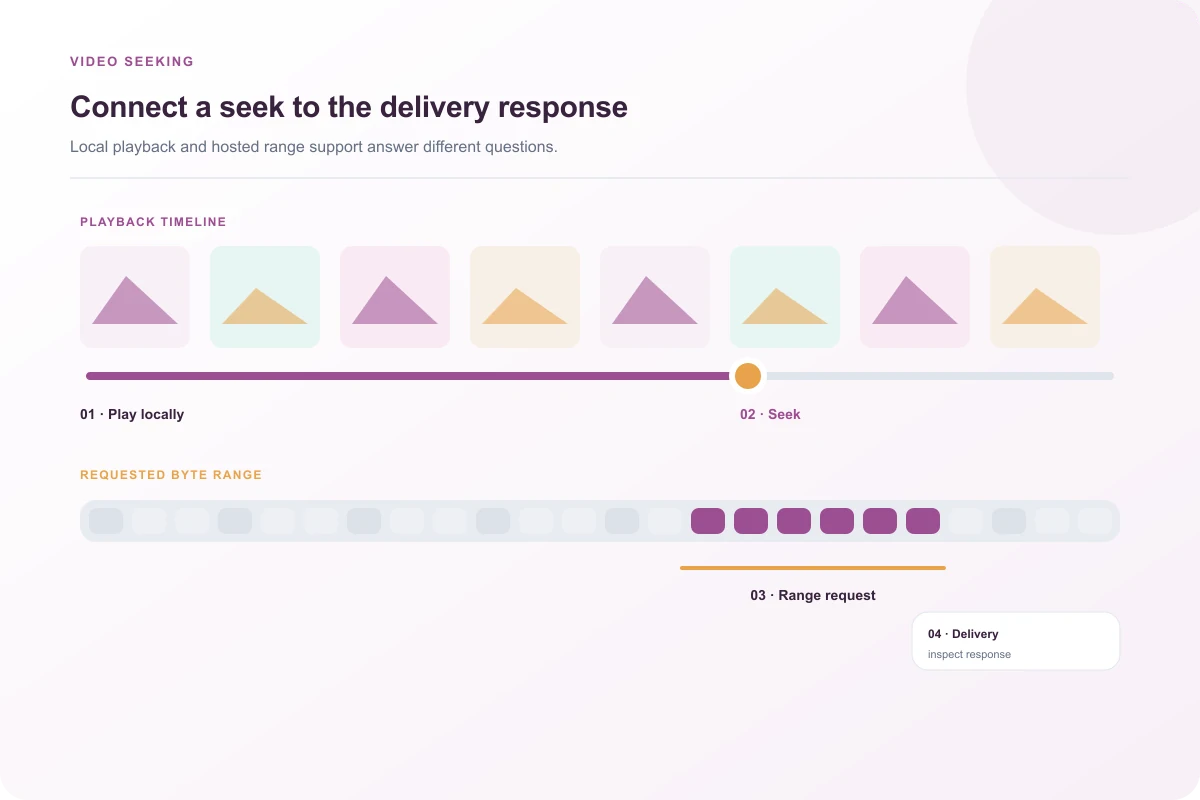
Seeking a hosted file depends on how the server responds to byte-range requests. A file that downloads fully can still be awkward to seek.
Recipient environment
Device support, browser policy, network speed and autoplay rules influence what happens after the link leaves your workspace.
Verify playback, audio levels, and poster frames
Start with the first few seconds. Confirm that the opening frame is intentional and that the audio begins when expected. Then move the playhead to the middle and near the end. These checks reveal clipped intros, missing middle sections and exports that stop before the final frame. If a clip is silent, test system volume and the player’s mute state before concluding that the source has no audio.
Pause on a frame with small text, lower thirds or interface details. If they are hard to read in the fitted player, compare the source on a larger screen rather than assuming the recipient can zoom a video. For a social post, make sure the first frame communicates the subject when the platform chooses a poster image. The tool does not create a thumbnail for you.
An editor reviews the selected clip before preparing a handoff.
Playback Diagnostics
Troubleshoot video playback and seeking failures
01 · Codec / Headers
The file downloads but the page player stays blank
Check the response’s content type and disposition, then confirm that the browser supports the encoded streams. A direct link and an embedded player can receive different headers or face different cross-origin rules. Do not change codecs until you know whether the problem is decoding or delivery.
02 · Range Requests
The opening plays, but seeking jumps or fails
Try a seek near the middle in more than one browser. A server that ignores byte ranges may force the player to fetch much more data than it needs. The MP4 metadata location also affects how quickly playback can begin. A diagnostic request should inspect the response rather than repeatedly re-exporting a working source.
03 · Audio Track
The video has a picture but no sound
Confirm the file actually contains an audio stream, then check the player volume and device output. A browser may support one stream’s codec and not the other. The local preview’s result tells you about this browser; another audience may need a compatible alternate export.
A local seek and a hosted byte-range response are separate checks.
Workflow Scenarios
Optimize video links for clients, teams, and web embeds
01
Client Review Handoff
Identify the cut and the feedback deadline in the message that accompanies the video. Agree on whether to refer to timestamps, scene descriptions or an external review system to prevent feedback confusion.
02
Public Website Embeds
Consider the size of the clip before making it the first thing visitors download. A short poster image with a play action reduces bandwidth. Include synchronized captions and transcripts for accessibility.
03
Internal Training Archives
Verify that people who need access can open the selected access tier without exposing internal screens or customer data to external viewers. Align with corporate data retention requirements.
04
Quality & Transcoding Check
The local player checks the source in this browser. If a destination recompresses uploads, compare what it serves after publication and retain master sources until final sign-off.
Delivery & Embed Architecture
Select the right link format for your destination
A direct file URL is suited to an HTML video element or a player that expects the media itself. A share page is easier to send to a person who should open a page first. Workspace-restricted access fits a team review; an unlisted link is still a link that can be forwarded. A long-lived public embed and a temporary review link have different lifetimes, so do not paste an expiring address into a permanent portfolio or product page.
Direct CDN Stream
Raw Edge Streaming
Direct HTTPS video target optimized for native <video> tags, video JS players, and markdown embeds.
HTTP 206 · Fast-Start Moov · Zero Egress
Responsive Share Page
Viewer-Friendly Player
Clean standalone media page with video playback, clip metadata, responsive viewport scaling, and download action.
Mobile Responsive · OpenGraph Preview
Team Review Archive
Governance & Audit Log
Role-restricted team clip with view access auditing, time-limited revocation, and password protection.
Team RBAC · Custom Expiry · Audit Trail
Video storage and publication are not active in this local preview because the independent delivery service has not been provisioned. For a focused diagnosis of buffering and seek behavior, see why a direct MP4 can play but refuse to seek.
A local playback check can reveal a broken export, missing audio, or an unintended opening frame before you prepare a handoff. It only tests the selected file in this browser; it cannot guarantee that every recipient device supports the same codecs.
Does this tool convert my video to another format?+
The video workspace is designed to inspect playback and file details. Conversion is a separate operation and is not promised by the link-preparation flow. Keep the original until you have inspected any separately exported version.
Will a hosted video support seeking?+
Seeking depends on both the media file and the delivery response, including support for byte-range requests. The local player does not verify a future server response. Independent hosting is still being configured for this build.
Can I share a very large video here?+
The preview can load a file from your device, but an enabled upload limit has not been published because dedicated storage and service limits are not configured. Do not interpret local selection as a completed upload.
Why might a video play without sound?+
The file may have no audio stream, the selected codec may not decode in this browser, or the player or device may be muted. Check the source in another player before changing the file or its eventual delivery settings.