It downloads instead of streaming
Inspect the response headers and content type. The server may be advertising the file as an attachment or returning a generic binary type. The browser can also lack a decoder for the encoded stream.
Upload voice memos, music, or audio recordings and generate instant streaming links with waveform preview.
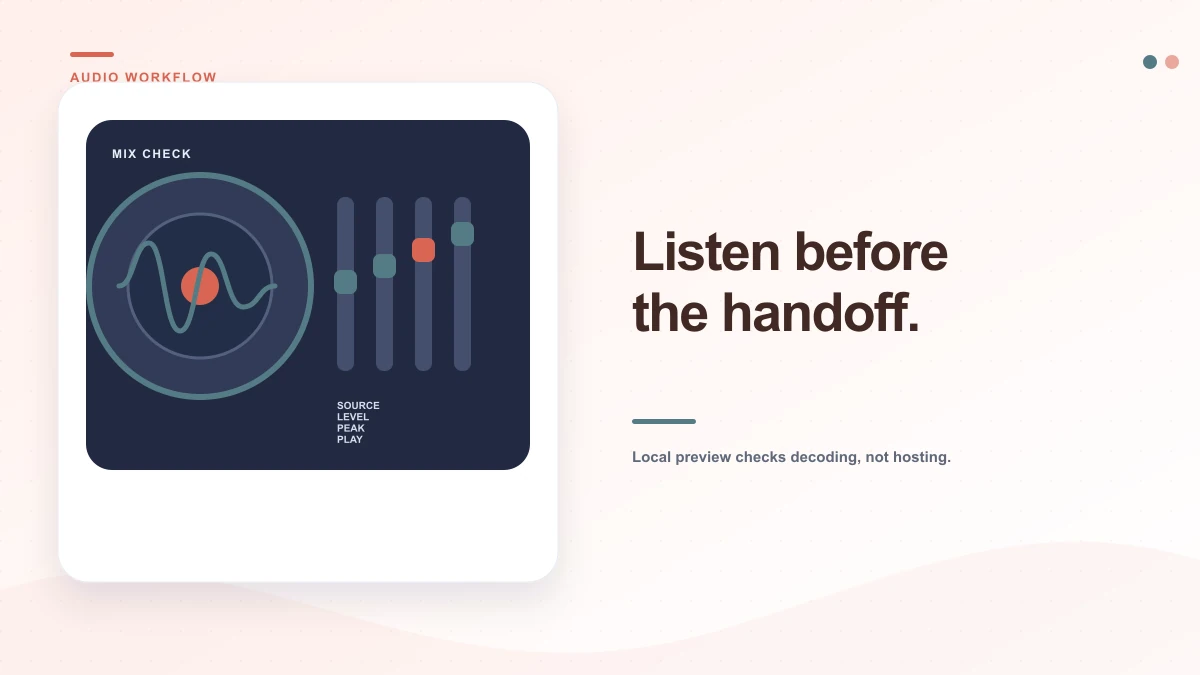
Audition real-time waveform peaks, test WebAudio buffer playback, and generate a streaming URL.
Initializing soundboard cloud storage bridge…
Audio to Link Architecture
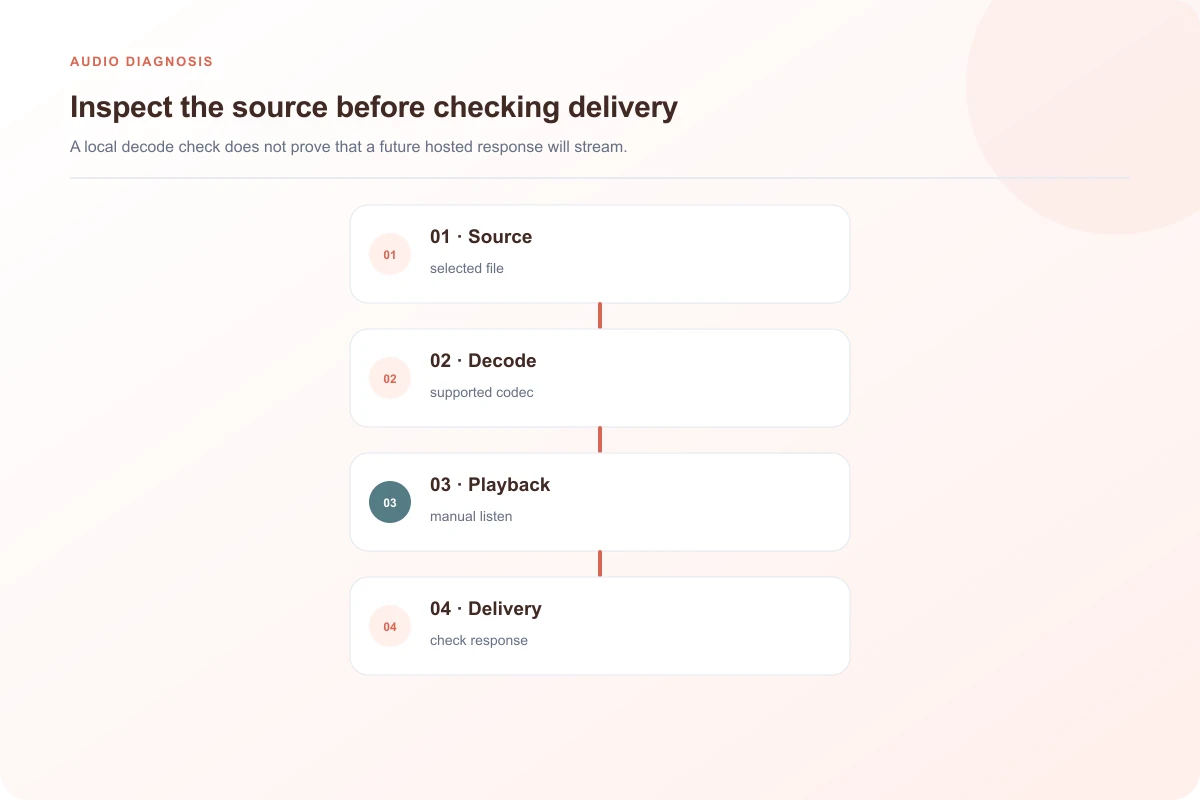
The Listening Studio plays the file you select and, when the browser can decode it, draws a waveform from its actual samples. That helps distinguish a quiet or silent source from a player that never started. It is a local inspection step: selecting a recording does not send it to storage.
A WAV recording that opens in a desktop editor may not behave like an MP3 in an HTML audio element. “Audio” covers multiple containers and codecs, and browsers do not support every combination the same way. The result in this preview describes this browser’s decoder and this selected file; it is not a promise about every phone, messaging app or website player.
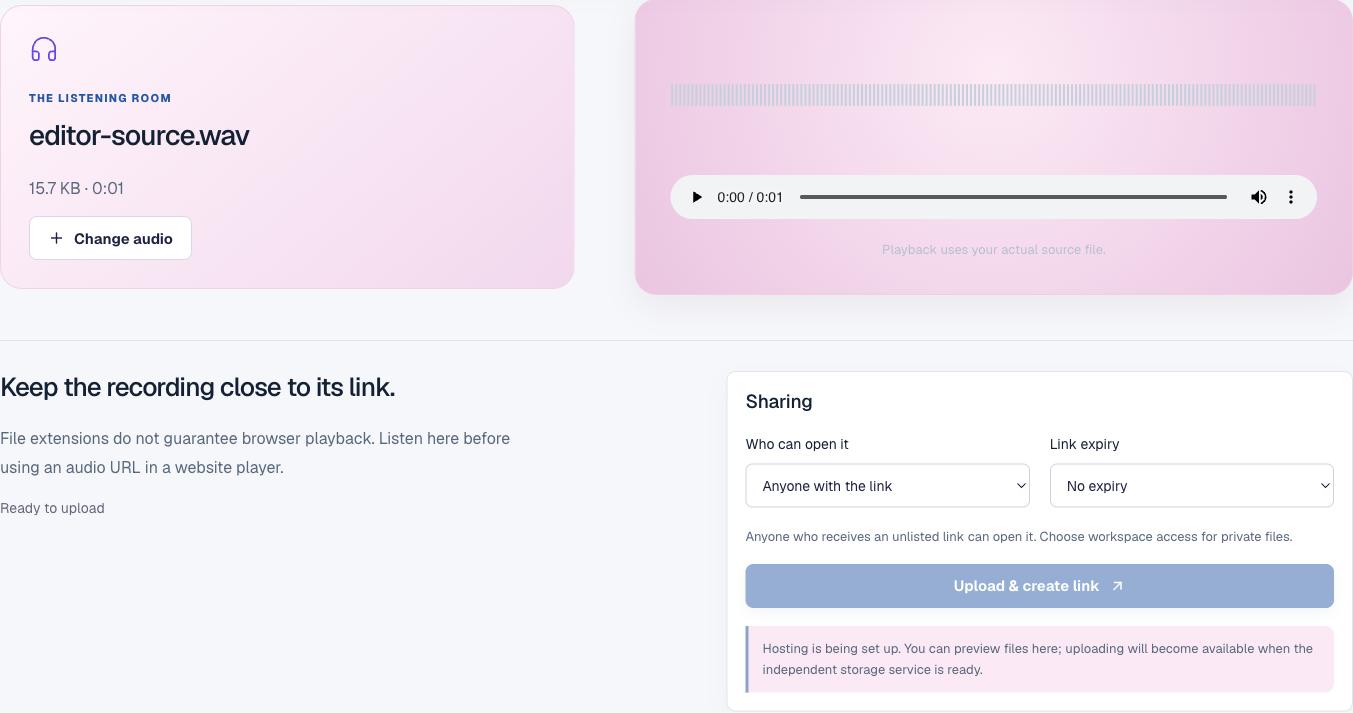
Check that playback starts promptly and that the first word, note or sound is not clipped. Very long recordings can take a moment to become seekable, depending on the file and browser. Give the controls time to load before concluding that the source is broken.
Move the playhead to a known point and confirm that seeking works. Listen for a sudden cutoff, an unexpected silence or a tail that ends too early. When the duration label is missing, the browser may not have decoded the metadata or may not support the source format.
The waveform is calculated from decoded audio samples. A flat line can mean a quiet source, but if the browser cannot decode the recording the tool will say that a waveform is unavailable. Use your ears as well: a visible waveform does not prove that the content is audible, correctly mixed or free of clipping.
For a website embed
After a real upload is confirmed, use the resulting direct media URL as the source for an HTML audio element. Set a meaningful MIME type that matches the actual file. A fallback sentence helps users whose browser does not support the selected encoding.
If a source does not play in a target browser, provide a second encoding only when you have a verified compatible file. Changing the URL’s extension does not convert its codec.
<audio controls preload="metadata">
  <source src="confirmed-audio-url.mp3" type="audio/mpeg">
  <a href="confirmed-audio-url.mp3">Download the recording</a>
</audio>Inspect the response headers and content type. The server may be advertising the file as an attachment or returning a generic binary type. The browser can also lack a decoder for the encoded stream.
Desktop audio software often supports more codecs than a browser. Export an additional browser-friendly AAC or MP3 version from an editor that understands the original source, then test that specific export.
The browser may not decode the file into audio samples, or decoding may fail because of resource limits. The native audio element and the waveform reader use related but different browser paths.
Default playback across every desktop & mobile browser.
Optimal compression efficiency for podcasts and voice notes.
Lossless studio PCM playback without quality degradation.
Ultra-low bitrate voice and sound effects for web applications.
Acoustic Preflight
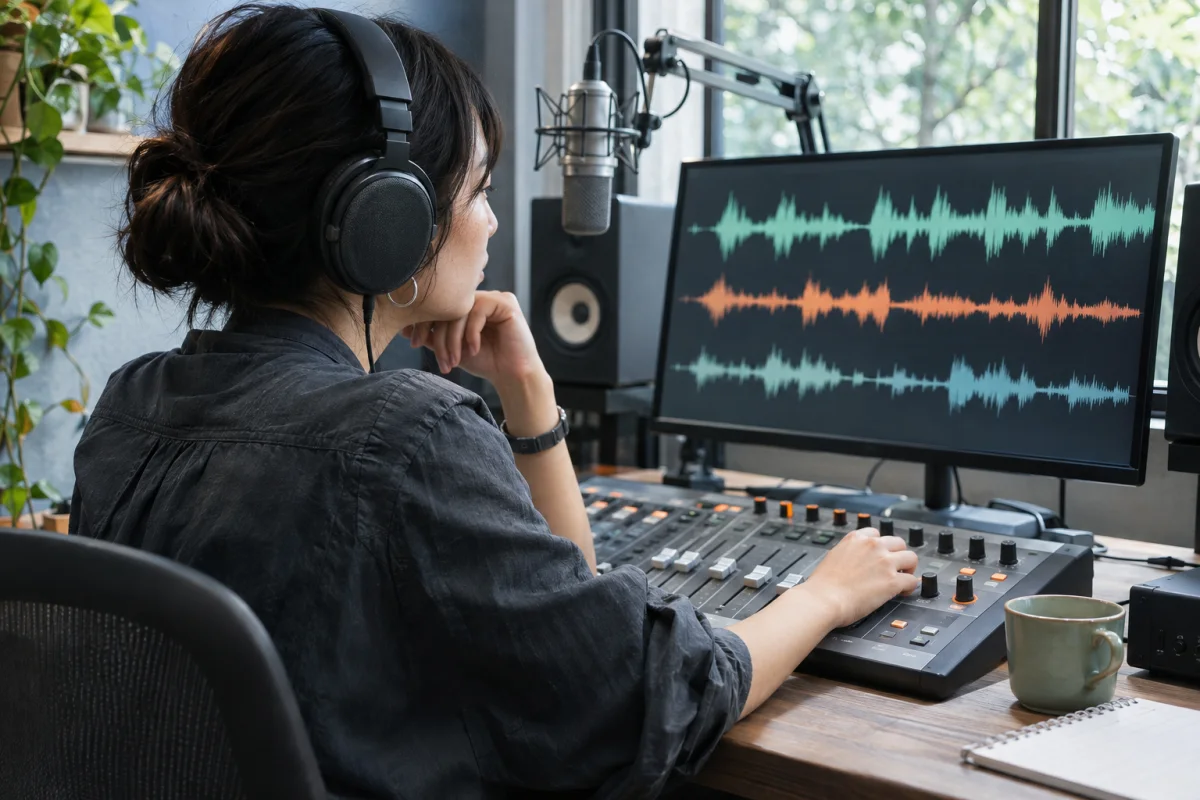
A waveform can show peaks and quiet sections, but it cannot tell you whether speech is intelligible in a noisy room or whether music balances well against narration. Listen on headphones and on the kind of speaker your audience may use. Check the opening level, listen for clipping or unwanted handling noise, and compare the loudest and quietest passages. If the recording is intended for voice, ensure the listener does not have to turn the volume up sharply to hear a soft section and then down for an unexpectedly loud one.
Be cautious about recording environment. Fans, traffic, keyboard taps and room echo can mask important words. A voice memo captured too far from the microphone may be difficult to repair later. If you need to clean or edit the recording, use a suitable audio editor and preserve the untouched source separately. The Audio Listening Studio is an inspection and sharing workspace, not a noise-removal or mastering tool.
Check the beginning and ending for accidental dead air. Leave enough room that the first syllable is not clipped, but trim long pauses in an editor if they make a short message feel broken. For an interview or meeting, keep a reliable transcript and note time references so collaborators can discuss a specific passage without replaying the entire recording.
Finally, test the direct file in the intended destination and provide a download option. Some environments prevent autoplay, and most browsers require a visitor action before sound starts. A visible player control and a descriptive label are easier to use than an audio element that begins unexpectedly.
Useful details
The URL may return a different content type than the file needs, the browser may not support its codec, or the server may signal attachment download. Inspect the actual response and test the file in a compatible player.
When this browser can decode the selected recording, the preview builds a waveform from its samples. That describes the local source; it does not certify how a future hosted copy will stream.
The listening page is for playback and source inspection. Trimming belongs to the local audio editor, where you can export a separate file and play it back before sharing.
Browsers commonly restrict autoplay, especially when audio is audible. A recipient may need to press play even when the file and link are valid.
Selection loads the file for local playback in this preview. Independent hosting is not connected yet; the page will only report a hosted URL after a future transfer is confirmed.