GIF to Link: Direct Hosted Links for Animated GIFs
Host your animated GIFs with intact loops, full transparency, and ready-to-embed links for Discord and Reddit.
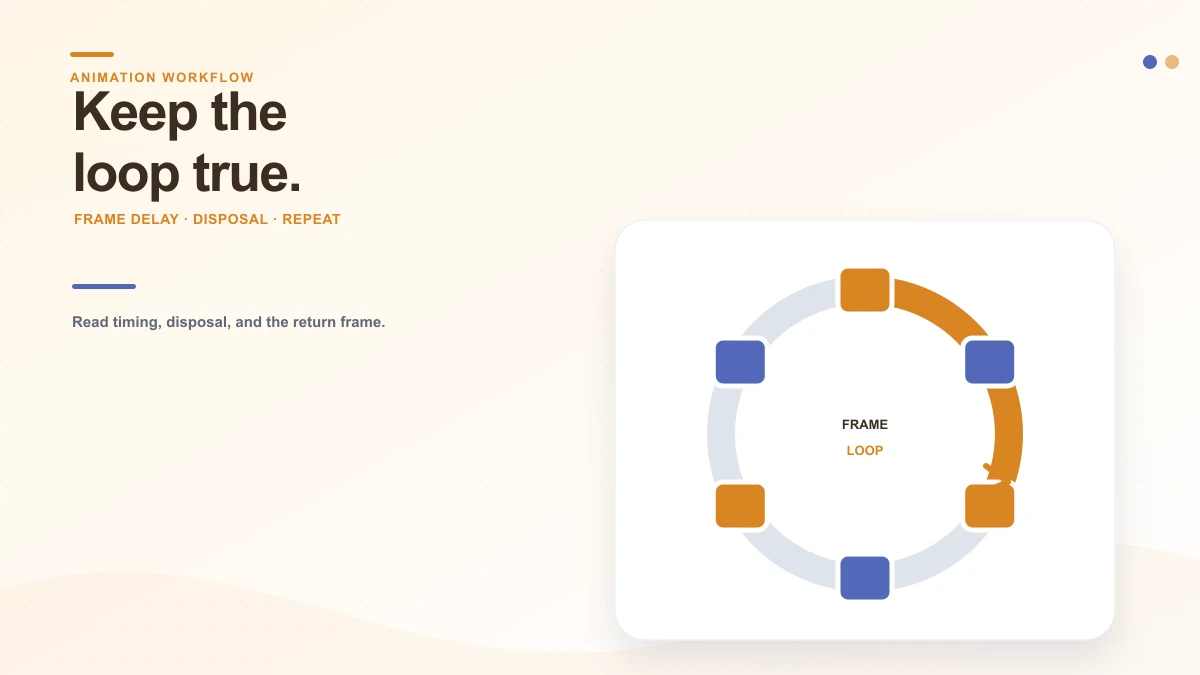
Checking animation hosting availability…
GIF to Link Architecture
Preserve crisp loops and direct links with zero compression.
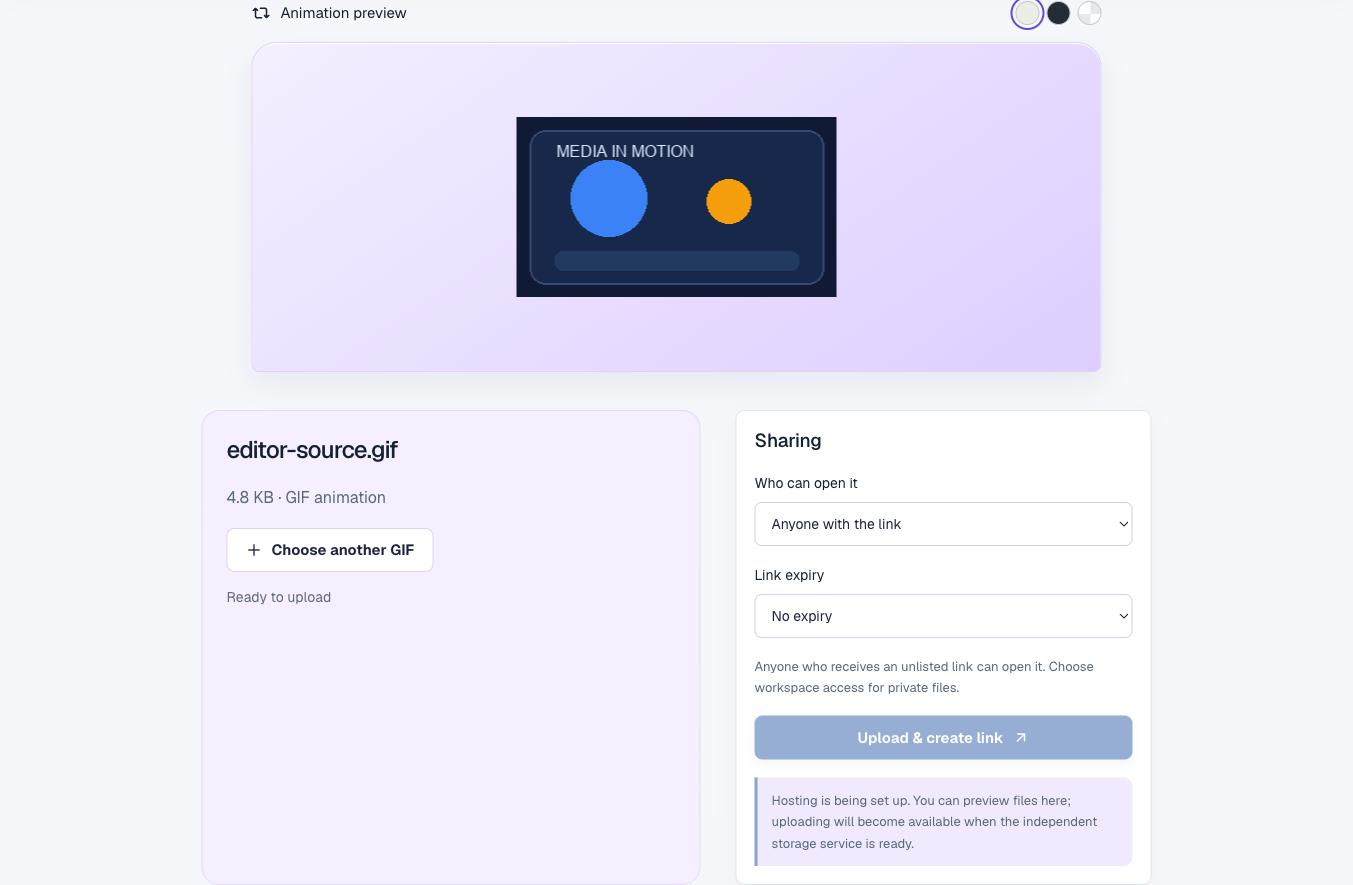
The Loop Studio displays the GIF you chose as an animated image. Its paper, dark and checkerboard backgrounds are inspection aids for transparency; changing a swatch does not modify the file. The point is to see where the loop feels smooth, where an edge disappears and whether the intended subject stays readable against different surroundings.
GIFs remain useful because many browsers and older publishing systems can display them without a video player. The format is also constrained: its palette uses at most 256 indexed colors per frame, and its transparency works differently from a full alpha channel. Those tradeoffs become visible in gradients, soft shadows and large photographic scenes.
Animation Cadence
Fine-tune frame delay, loop continuity, and file weight
Temporal Cadence Analysis
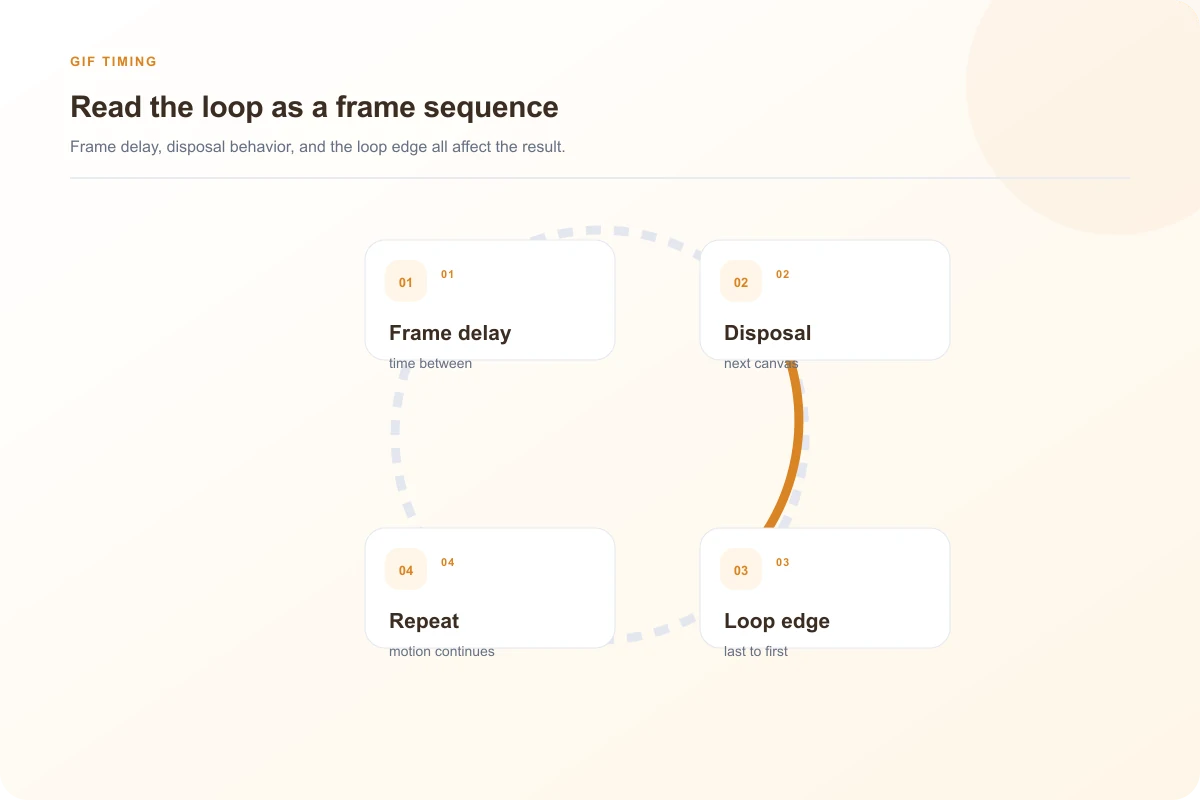
Watch at least two full cycles. A GIF often looks polished on the first pass and awkward when the last frame jumps back to the first. The eye notices a pause, a sudden brightness change or a subject that appears to teleport. A loop that begins and ends on similar motion feels continuous; a purposeful pause can work too, if it is part of the joke or instruction.
Notice whether each frame remains on screen long enough to understand. Fast flashes can be tiring or inaccessible, and some viewers may have motion sensitivity. If a rapid loop is not essential, slow it down in the source editor before exporting. This viewer is read-only: it does not trim frames, change speed, optimize palette or convert the animation.
Check the dimensions against the place where you plan to use it. A tiny reaction GIF may work in a message but look soft when stretched across a presentation. A large source consumes more bandwidth than a static image, especially on a page where several loops begin downloading together. A still poster or a short video may be a better fit for long, detailed motion.
Use background controls as a visual test
The transparency checkerboard reveals edge halos and clipping in editors that support alpha channels. The dark swatch makes light strokes and pale edges visible immediately, while the paper background simulates a standard light document.
If your animation subject becomes hard to distinguish on any surface, adjust the palette or matte in your design tool before exporting to ensure high contrast across all user themes.
Jagged color bands: The palette may be too limited for a soft gradient. A dithered result can hide bands but introduces visual grain.
Flicker between frames: Compare the palette and color profile across frames. Similar colors can map to different palette entries frame by frame.
Unexpected blank edge: Inspect transparency and disposal behavior in an animation editor to ensure prior frames are cleared cleanly.
Loop freezes in destination: Confirm the target platform supports animated GIFs and has not compressed it into a static poster image.

Accessibility & Standards
Implement accessible fallbacks for reduced-motion users
Honor Reader Reduced Motion Preferences
When embedding animated GIFs in web apps, serve a static poster frame to visitors with reduced-motion enabled in their operating system:
<picture>
  <source srcset="static-poster.webp" media="(prefers-reduced-motion: reduce)">
  <img src="animated-loop.gif" alt="Interactive workflow demonstration">
</picture>
Animation can communicate a changing state quickly, but some people prefer reduced motion or cannot follow rapid movement. Keep the essential instruction in nearby text. If the loop is decorative, make sure it does not compete with the page’s main action. If the loop conveys a process, explain the sequence in words or provide a still diagram so the information remains available when the motion is paused or blocked.
Rapid flashes can trigger photosensitive reactions. Avoid repeated high-contrast flashes, especially those approaching several changes per second, and review guidance for the context where the media will appear. A preview does not automatically detect accessibility hazards. If the movement is not needed, consider replacing it with a still image or a user-controlled video.
Do not bake a long instruction into tiny moving text. The viewer controls neither playback speed nor frame stepping here, so a reader cannot pause the local preview through this page. Put labels in the surrounding page, keep any in-image text brief and high contrast, and use alt text that explains the meaning instead of describing every frame.
When a loop is part of a product interface, provide a nonanimated state for users who have enabled reduced motion. A GIF file cannot read that operating-system preference and alter its own playback. The surrounding page must decide whether to show it, replace it or avoid automatic movement.
Best practices for embedding animated GIF links
Use an animated GIF for a short reaction, a compact visual cue or a simple repeated demonstration. For a long tutorial, a video can preserve more colors and sound. For interface documentation, a numbered screenshot sequence may be easier to pause and read. An animation should carry meaning rather than move only because the format allows it.
When a GIF is part of a web page, give it alternative text that describes its purpose: “Three dots animate while the message is sending” tells a screen-reader user more than “animation.gif.” If motion is decorative, empty alt text can keep it from interrupting the surrounding copy. Avoid text baked into the moving image when the same information can be live page text.
Choose access based on the destination, and remember that an unlisted URL can be forwarded. A direct image link is useful where the page expects an image source; a share page gives a person a page around the file. A confirmed upload is required before either URL is real. This preview has not uploaded the sample. If the destination shows an older loop after you replace it, trace caching before exporting again.
Useful details
GIF workspace questions
Will the preview keep my GIF animated?
The loop workspace displays the selected GIF as an animation and lets you inspect its frames. This is a local preview; it does not rewrite the frame timing or publish a copy.
Why does my GIF look different on another website?
The destination may resize the image, apply its own compression, pause animation, or show a static fallback. Check the original dimensions and file first, then compare how the destination handles animated GIFs.
Can I edit the animation speed here?
The link-preparation workspace is for inspecting the source loop. It does not claim an exported timing change. If timing needs to change, edit and verify a separate output before replacing the original.
Can an animated GIF be used in an HTML image tag?
Yes, an image element can request a GIF file directly. The browser or receiving platform controls how it animates. A direct file URL is usually needed for that use, rather than a page that wraps the file.
Does choosing a GIF create a public URL?
No. A public URL requires a confirmed transfer to hosting. Independent storage is not provisioned in this build, so the GIF remains in your browser for local review.